In advance of the event you will receive an email asking you to provide some contact information we need to prepare your speaker ticket. When you arrive at the venue, head to the speaker registration area of the main reception desk. There you will be able to collect your badge and speaker gift.
Devoxx UK is is held at the Business Design Centre, located at 52 Upper Street, Islington, London. N1 0QH. The closest tube is Angel, which is on the Northern Line. The closest overground station is Highbury & Islington.
The venue has cloakroom facilities but please note that these may get very busy, especially on the final day of the conference. WiFi will be available throughout the conference centre during Devoxx UK. The SSID and password will be printed on your badge.
A wired connection will be available in all presentation rooms. Elsewhere a robust WiFi network is available throughout event spaces.
We don’t have a speaker room, but there are plenty of areas around the conference where you can do last minute fixes to your deck if needed.
The ideal (16:9) resolution for your laptop is 1280 x 720
When taking questions from the audience, please be sure to repeat them for the benefit of other attendees and those watching your session online.
All speakers should use their own machine, using any operating system, so long as you have a DVI, VGA or HDMI connector. Signal output is 60Hz! You’ll be able to plug into power in your session room, please don’t do your presentation on battery as this results in a weak video signal.
The Devoxx Companion app allows attendees to favorite talks, rate sessions, and share both personal feedback and public comments. Speakers also benefit from features designed to enhance engagement with their audience. You can find the Companion HERE.
Sign in using Google OAuth or email. To claim your speaker profile, be sure to use the same email address associated with your CFP.DEV account.
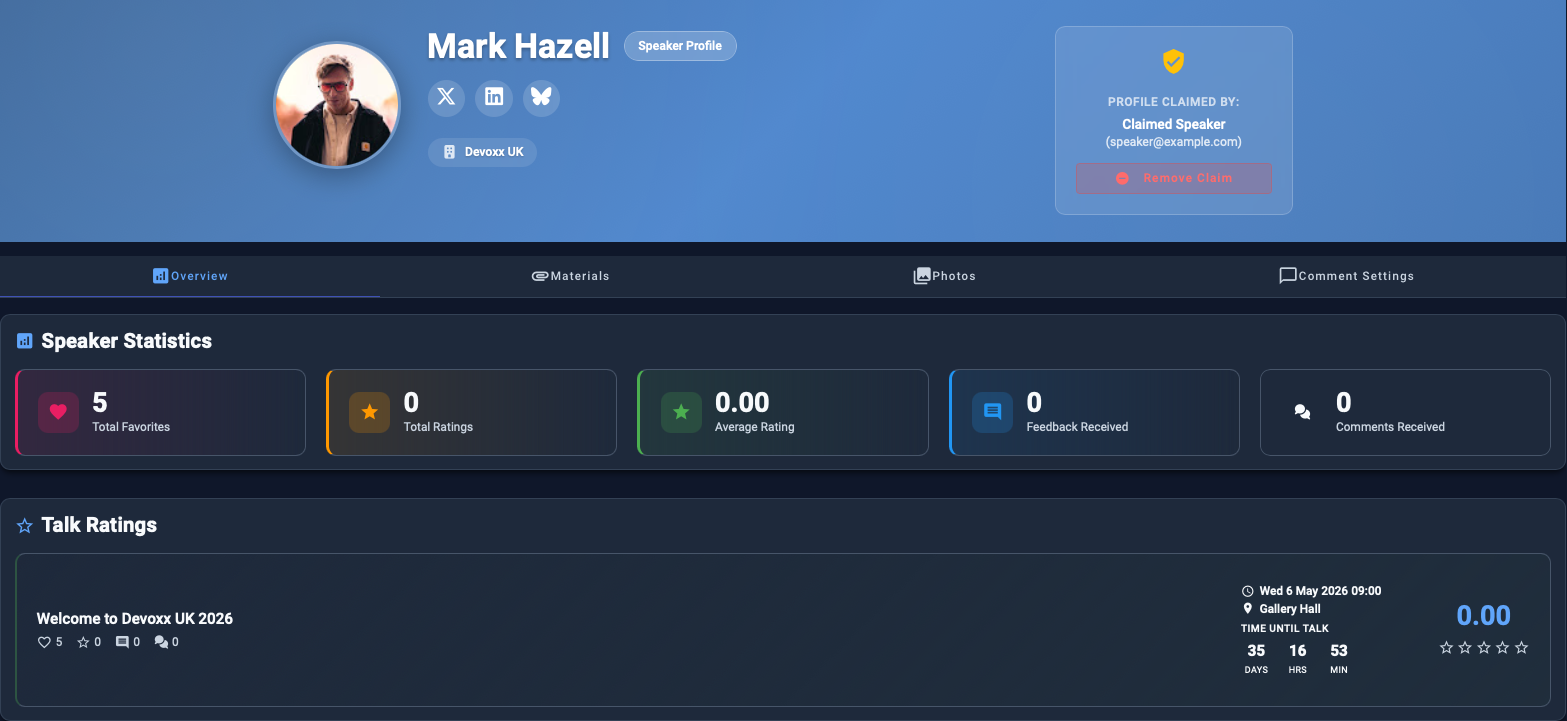
After signing in, go to your speaker detail page and click the Claim Speaker button.

Once your speaker claim is successful, you’ll see your personal speaker profile page.
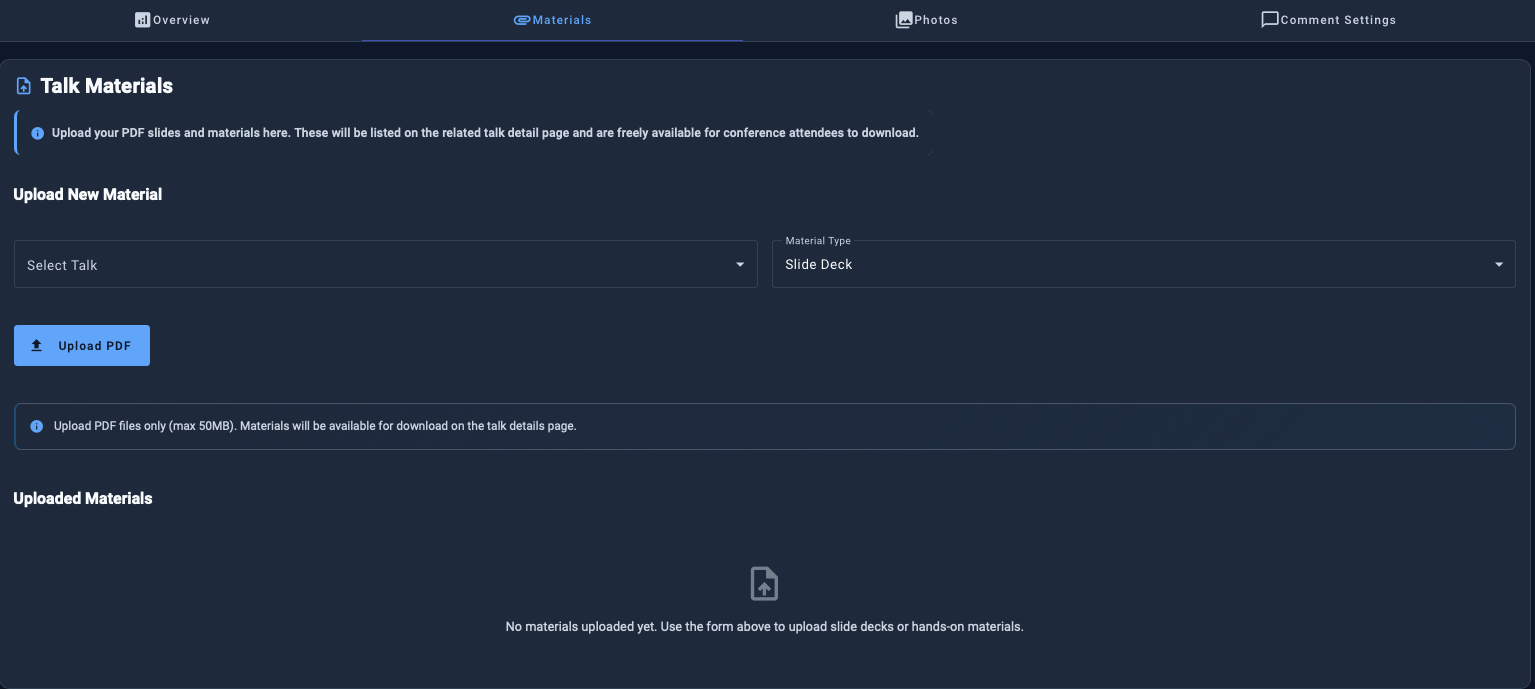
After your talk, you can upload your slide deck in PDF format. A download link will then appear on the related talk detail page for authenticated users.
If you’re running a hands-on lab, you can also upload your workshop materials (PDF) ahead of time so participants can access them before the session.
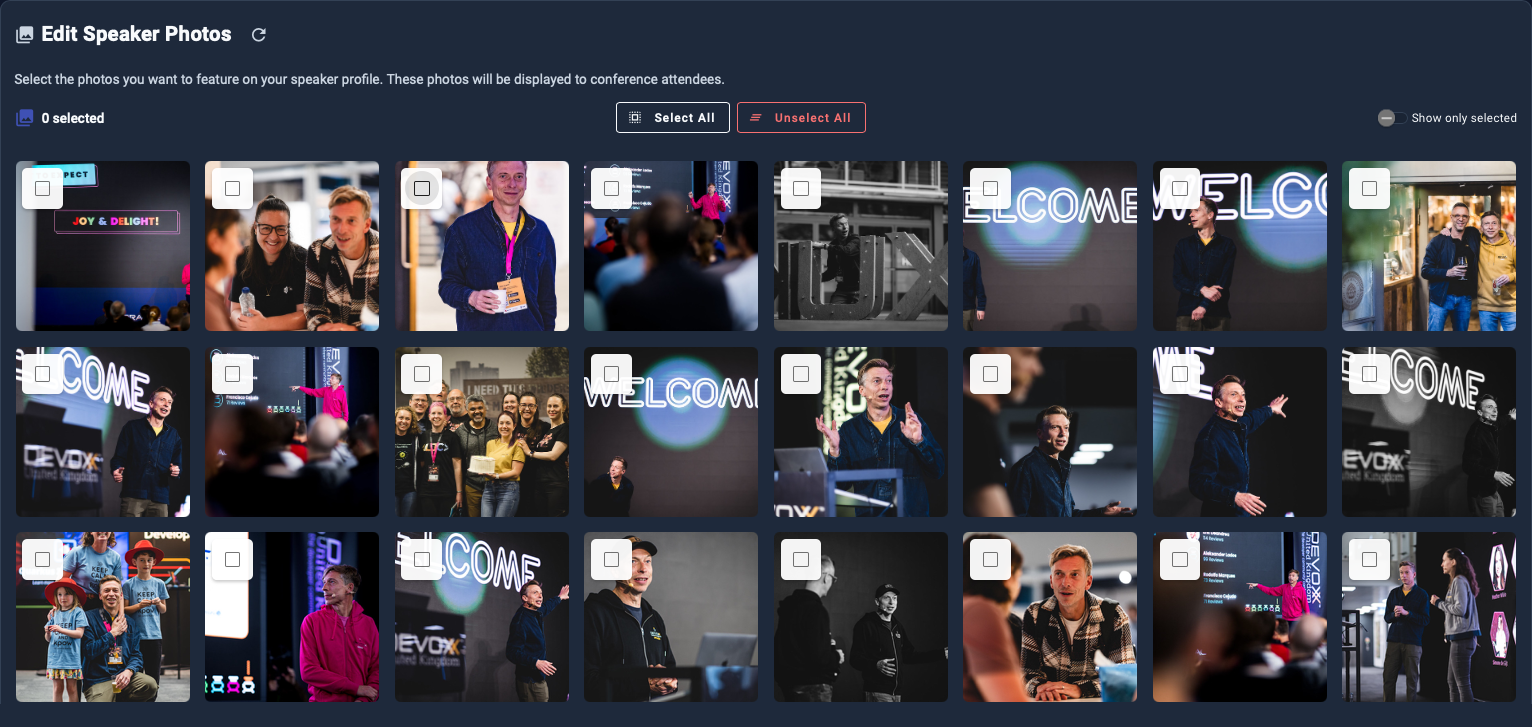
If have speaker photos from previous Devoxx or VoxxedDays editions, this page lets you select or unselect which ones appear on your speaker profile. Since false positives can occasionally occur, you can also edit or remove photos here.